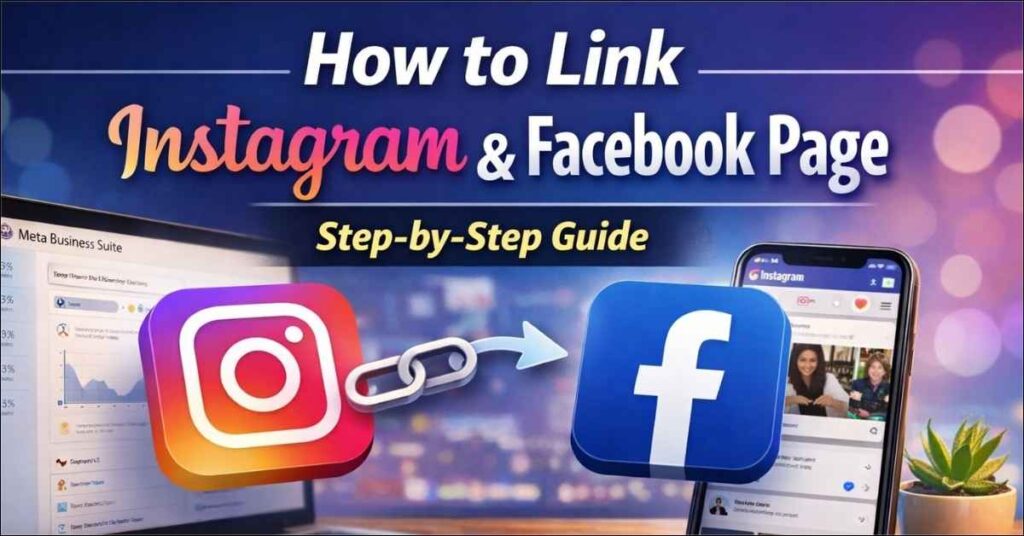
Linking your Instagram account to a Facebook Page is essential for businesses and creators who want better reach, seamless ad management, and unified messaging. Once connected, you can manage posts, ads, comments, and messages from one place using Meta Business Suite.
In this guide, you’ll learn how to link Instagram and Facebook from a Page, why it matters, and common mistakes to avoid.
Why You Should Link Instagram and Facebook
Linking both platforms helps you:
- Run Instagram ads directly from Facebook
- Manage DMs and comments in one inbox
- Cross-post content easily
- Access better analytics and insights
- Improve brand credibility and reach
👉 Ideal for business pages, creators, and digital marketers.
Prerequisites Before Linking
Before you begin, make sure:
- You are an admin of the Facebook Page
- You have login access to the Instagram account
- The Instagram account is a Business or Creator account
- Both accounts follow Meta policies
Step-by-Step: How to Link Instagram to a Facebook Page
Step 1: Log in to Facebook Page
- Go to your Facebook Page
- Click on Settings (from the left menu)
Step 2: Open Linked Accounts
- In Settings, click Linked Accounts
- Select Instagram
- Click Connect Account
Step 3: Log in to Instagram
- Enter your Instagram username and password
- Approve permissions
Step 4: Confirm the Connection
- Once connected, you’ll see Instagram listed under linked accounts
- Enable options like:
- Share posts to Facebook
- Allow messaging access
- Use Facebook for ads
✅ Done! Your Instagram is now linked to your Facebook Page.
How to Link Using Meta Business Suite (Recommended)
Meta Business Suite offers more control and is best for businesses.
Steps:
- Visit business.facebook.com
- Select your business
- Go to Settings → Accounts → Instagram Accounts
- Click Add Instagram Account
- Log in and confirm
Common Issues & Fixes
Instagram not showing?
→ Make sure it’s a Business or Creator account
Permission error?
→ Check if you’re a Page admin
Already linked to another Page?
→ Unlink it first from Instagram settings
Tools & Resources for Better Social Media Management
If you’re serious about managing Instagram and Facebook professionally, these resources help a lot:
📘 Recommended Books
🔗 Social Media Marketing Workbook
Great for beginners and marketers managing multiple platforms.
🔗 Jab, Jab, Jab, Right Hook – Gary Vaynerchuk
Learn platform-specific content strategies for Facebook & Instagram.
🛠 Useful Accessories for Creators
🔗 Ring Light with Tripod for Reels & Posts
Perfect for Instagram content creation.
🔗 Mobile Phone Stand for Video Recording
Conclusion
Linking your Instagram and Facebook Page is no longer optional – it’s a must for growth, ads, and brand consistency. With Meta Business Suite, you can save time, improve performance, and manage everything from one dashboard.
If you’re running ads, managing clients, or growing a brand, this integration will make your work faster and smarter.