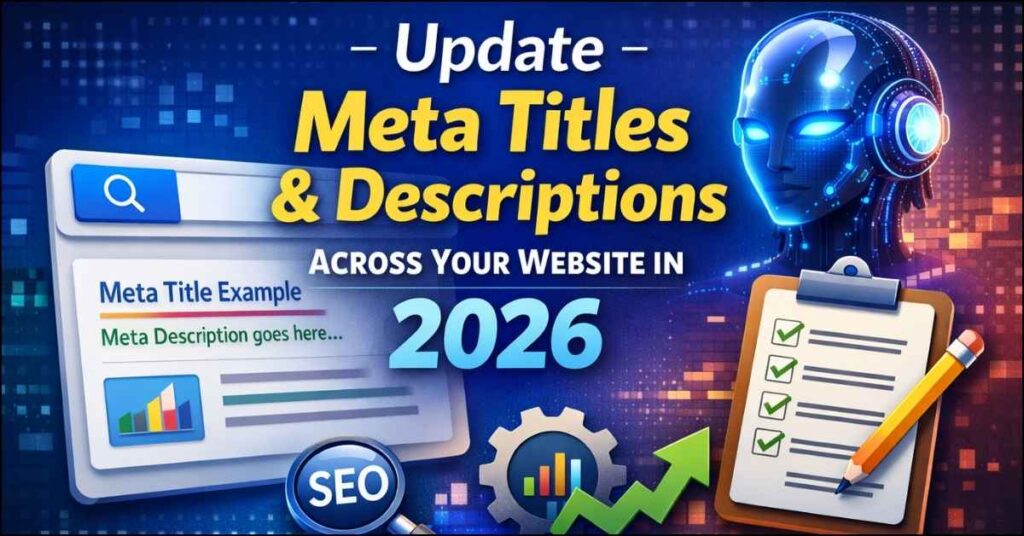
Search engines in 2026 are smarter than ever. With AI-driven search results, semantic indexing and user intent signals becoming dominant ranking factors, meta titles and meta descriptions still remain one of the most powerful on-page SEO elements.
Updating them correctly can significantly improve:
- Search rankings
- Click-Through Rate (CTR)
- Website traffic
- Brand visibility
This guide explains how to update meta titles and descriptions across your entire website step-by-step using modern SEO practices.
Why Meta Titles & Descriptions Still Matter in 2026
Even with AI search summaries and featured snippets, search engines still rely on meta tags to understand page context.
Meta Title
- Appears as the clickable headline in Google results
- Primary ranking signal
- Defines page topic relevance
Meta Description
- Acts as your organic ad copy
- Influences user clicks
- Improves engagement signals
👉 Higher CTR = Better rankings over time.
Step 1: Audit Existing Meta Tags
Before updating anything, analyze your current metadata.
Tools You Can Use
- Google Search Console
- Screaming Frog SEO Spider
- Ahrefs / SEMrush
Learn SEO and rank at the top of Google:
🔗 SEO 2026: Learn search engine optimization with smart internet marketing strategies
What to Check During Audit
- Missing meta titles
- Duplicate titles
- Titles exceeding 60 characters
- Descriptions longer than 155 characters
- Low CTR pages
Step 2: Keyword Mapping (2026 SEO Method)
Modern SEO focuses on search intent, not keyword stuffing.
For every page identify:
| Page Type | Keyword Intent |
|---|---|
| Homepage | Brand + Primary Service |
| Service Page | Transactional |
| Blog | Informational |
| Product Page | Commercial |
💡 Use long-tail keywords aligned with AI search queries.
Step 3: Write SEO-Optimized Meta Titles
Ideal Meta Title Formula (2026)
Primary Keyword + Benefit + Brand NameExample
❌ Digital Marketing Services
✅ Digital Marketing Services for Real Estate Leads | GskDigi
Best Practices
- Keep under 60 characters
- Add numbers or outcomes
- Place keyword at beginning
- Avoid keyword repetition
Step 4: Write High-CTR Meta Descriptions
Google rewrites descriptions sometimes – but optimized ones still improve CTR dramatically.
Ideal Structure
Problem + Solution + Benefit + CTAExample
Learn how to update meta titles and descriptions using modern SEO strategies in 2026. Improve rankings and drive more organic traffic today.
Step 5: Update Meta Tags in Your CMS
WordPress (Most Common)
Install SEO plugin:
- RankMath
- Yoast SEO
- All in One SEO
Then:
- Open page/post
- Scroll to SEO section
- Edit Title & Description
- Preview SERP snippet
- Update
Bulk Updating (Large Websites)
Use:
- CSV Import tools
- SEO plugin bulk editor
- Database updates (advanced users)
Step 6: Optimize for AI Search & SGE (2026 Trend)
Google’s AI Overview prefers:
- Clear page intent
- Natural language titles
- Question-based descriptions
Example:
Instead of
“SEO Services Hyderabad”
Use
“Looking for SEO Services in Hyderabad? Here’s How We Help Businesses Grow.”
Step 7: Validate Changes
After updating:
- Request indexing in Search Console
- Monitor CTR changes
- Track impressions vs clicks
Allow 2-4 weeks for measurable improvement.
Step 8: Maintain a Meta Update Schedule
Recommended frequency:
| Website Size | Update Frequency |
|---|---|
| Small Website | Every 6 months |
| Business Website | Quarterly |
| Ecommerce | Monthly |
Common Mistakes to Avoid
❌ Same meta description for all pages
❌ Keyword stuffing
❌ Ignoring search intent
❌ Writing sales-heavy descriptions
❌ Not tracking CTR improvements
Final Checklist
✅ Unique title per page
✅ Keyword mapped correctly
✅ Under character limits
✅ Human-friendly language
✅ Clear value proposition
Conclusion
Updating meta titles and descriptions in 2026 is no longer just a technical SEO task – it’s a conversion optimization strategy.
When done correctly, it improves visibility, attracts qualified visitors and increases organic growth without spending on ads.
Start with high-traffic pages first, optimize consistently, and monitor performance using Search Console.