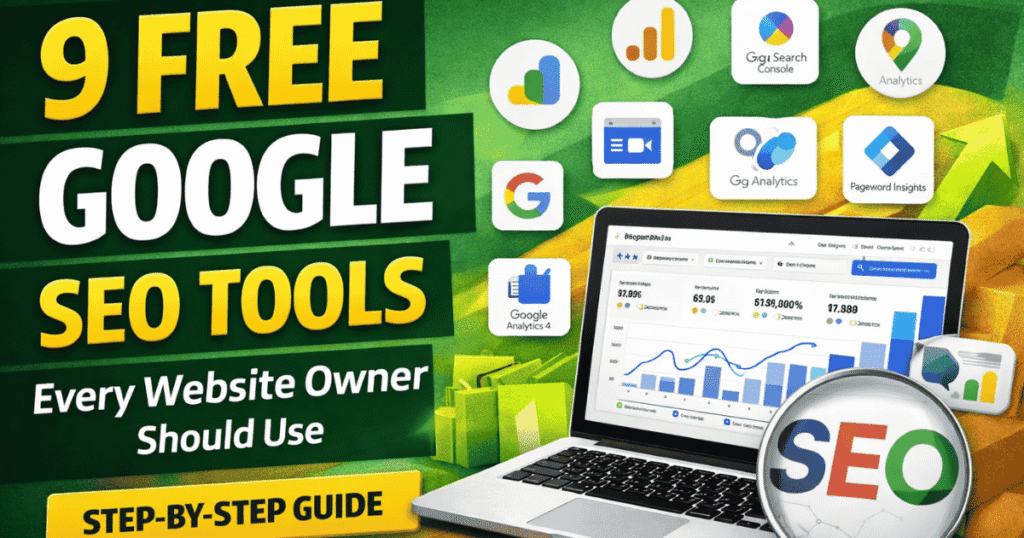
Search Engine Optimization (SEO) doesn’t have to be expensive. Google itself provides powerful free SEO tools that help website owners, bloggers, and digital marketers improve rankings, traffic, and performance.
In this article, we’ll explore 9 essential free Google SEO tools, how to use them, and which tools can help you grow faster – even without paid software.
1. Google Search Console
Use for: Website performance tracking & indexing
Google Search Console helps you understand how your website appears in Google Search.
Key Features:
- Track clicks & impressions
- Identify ranking keywords
- Fix indexing issues
- Submit XML sitemaps
- Check mobile usability
👉 Best for technical SEO and organic visibility

If you’re new to Search Console, this book simplifies SEO concepts:
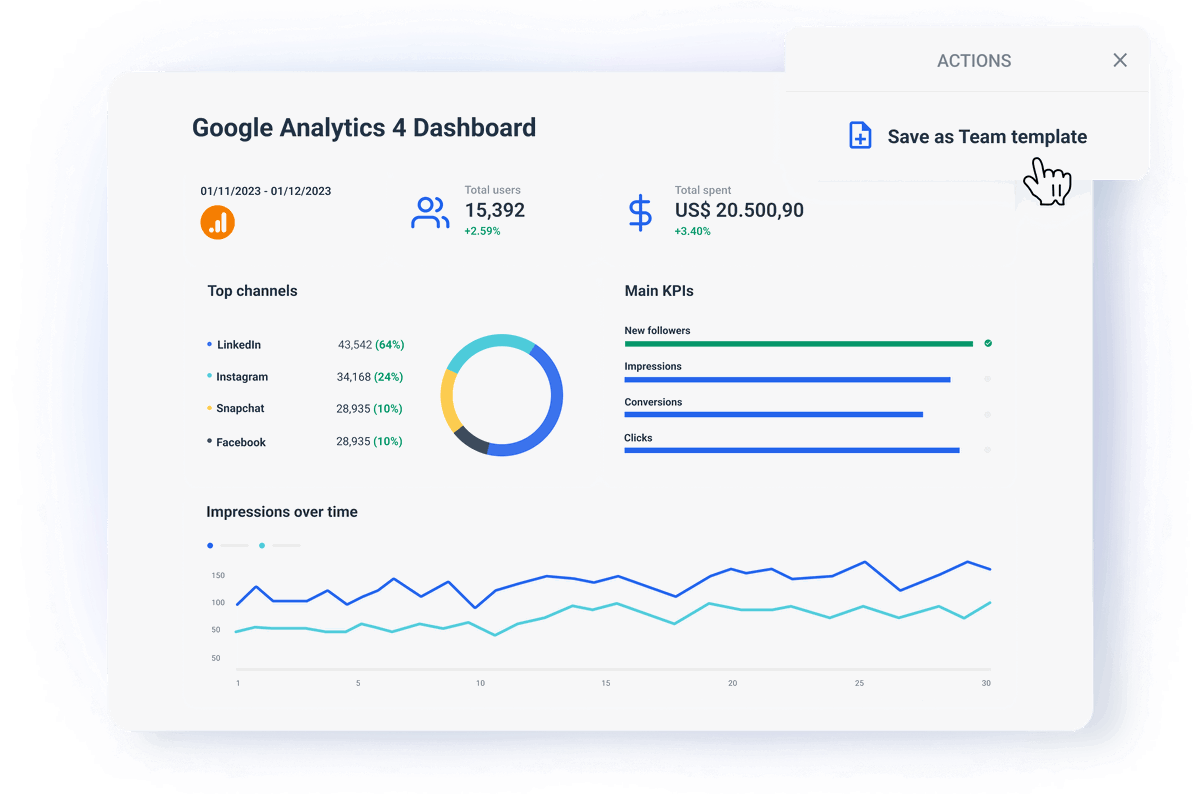
2. Google Analytics 4 (GA4)
Use for: Understanding user behavior
GA4 tracks how users interact with your website across devices.
Key Features:
- Traffic sources
- Engagement metrics
- Events & conversions
- User journey insights
👉 Essential for SEO + conversion optimization
🔗 Google Analytics Breakthrough
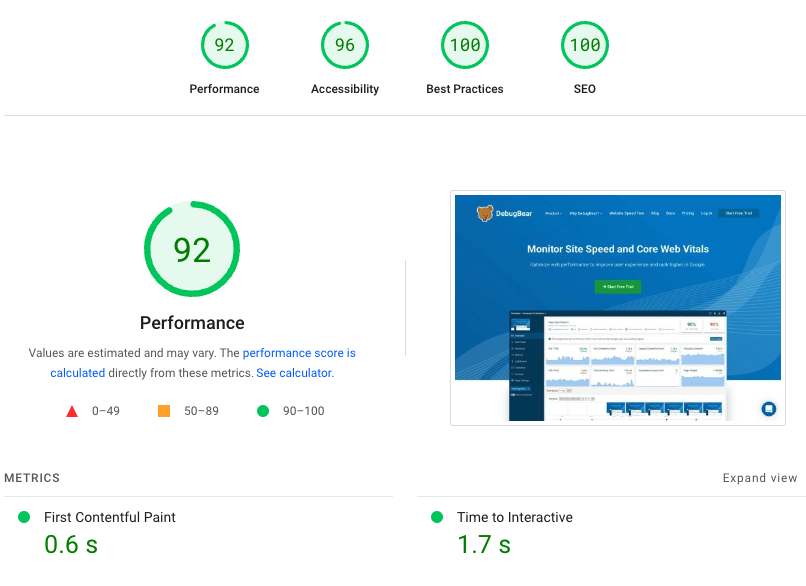
3. Google PageSpeed Insights
Use for: Page loading speed & Core Web Vitals
Website speed is a ranking factor, and PageSpeed Insights shows exactly what to fix.
Key Features:
- Mobile & desktop performance
- Core Web Vitals
- Field & lab data
- Speed improvement suggestions
4. Google Keyword Planner
Use for: Keyword research
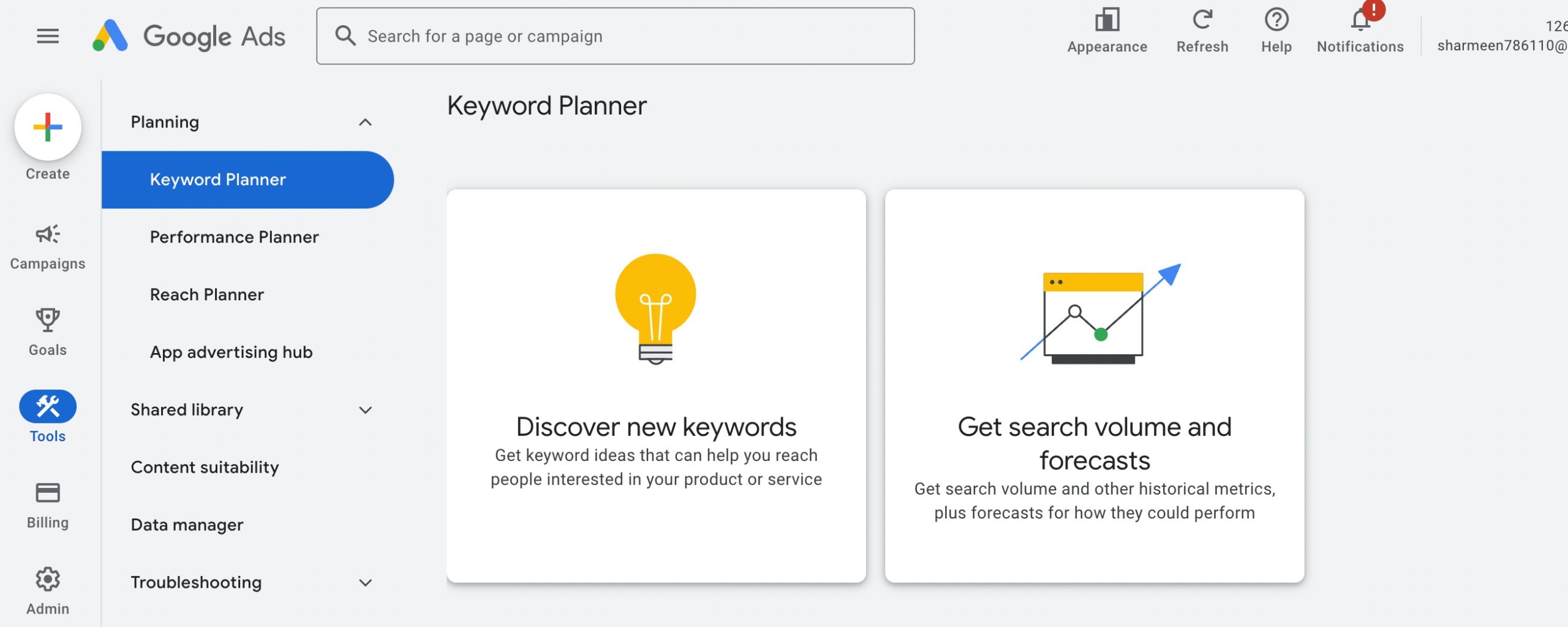
Keyword Planner helps you find keywords users are actively searching for.
Key Features:
- Keyword ideas
- Search volume data
- Competition insights
- PPC & SEO planning
👉 Great for bloggers and content creators
5. Google Business Profile (Google My Business)
Use for: Local SEO
This tool helps businesses appear in Google Maps and local search results.
Key Features:
- Local visibility
- Reviews & Q/A
- Business updates
- Voice search optimization

🔗 Local SEO Guide for Small Businesses
6. Google Tag Manager
Use for: Managing analytics & marketing tags
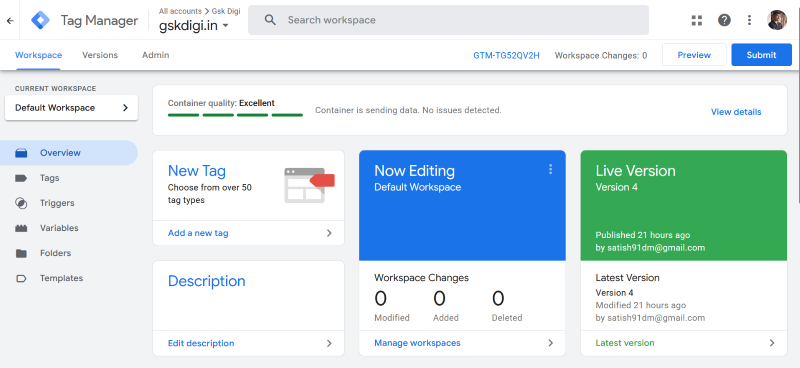
Tag Manager allows you to add tracking codes without touching website code.
Key Features:
- Easy script management
- Event tracking
- Developer-free setup
- Advanced analytics configurations
🔗 Google Tag Manager Made Easy
7. Google Merchant Center
Use for: Product listings & ecommerce SEO
Perfect for ecommerce websites and Shopify stores.
Key Features:
- Free product listings
- Product data management
- Price & stock sync
- Google Shopping integration

8. Looker Studio (Formerly Data Studio)
Use for: Visual dashboards & SEO reports
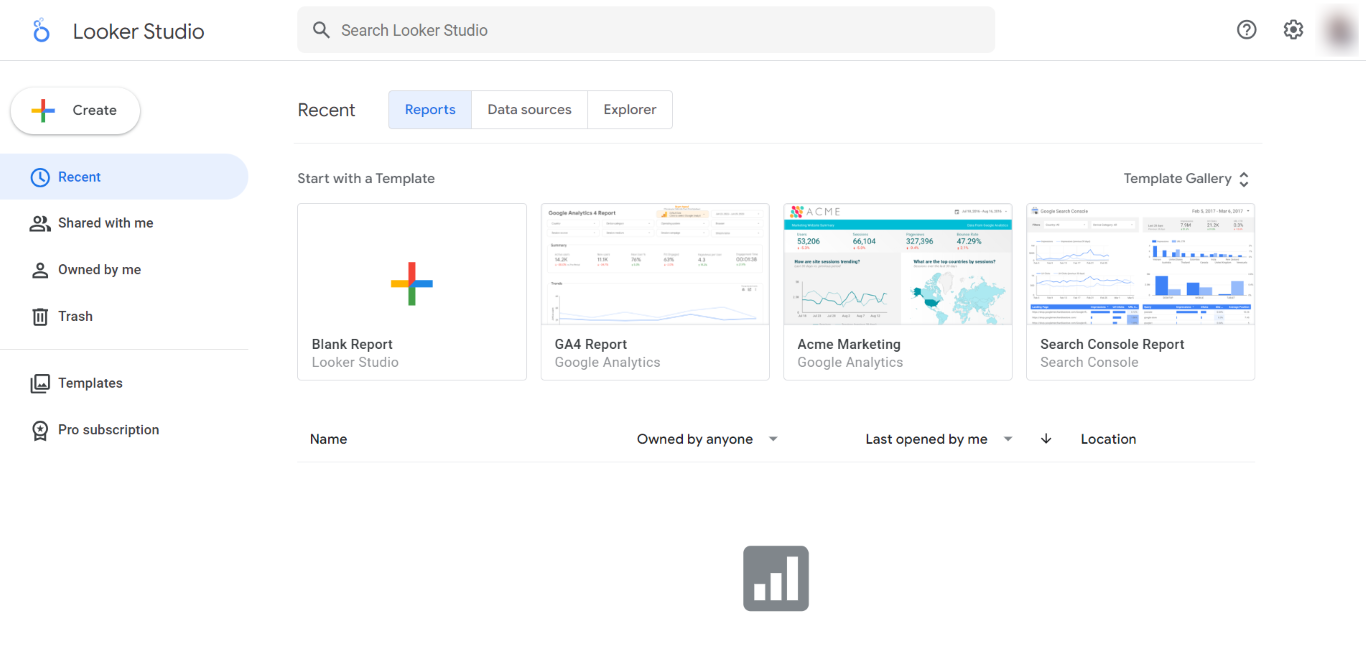
Looker Studio turns raw data into easy-to-understand reports.
Key Features:
- Connects GA4, Search Console, Ads
- Custom charts & tables
- Client-ready reports
- Shareable dashboards
🔗 Data Visualization with Google Tools
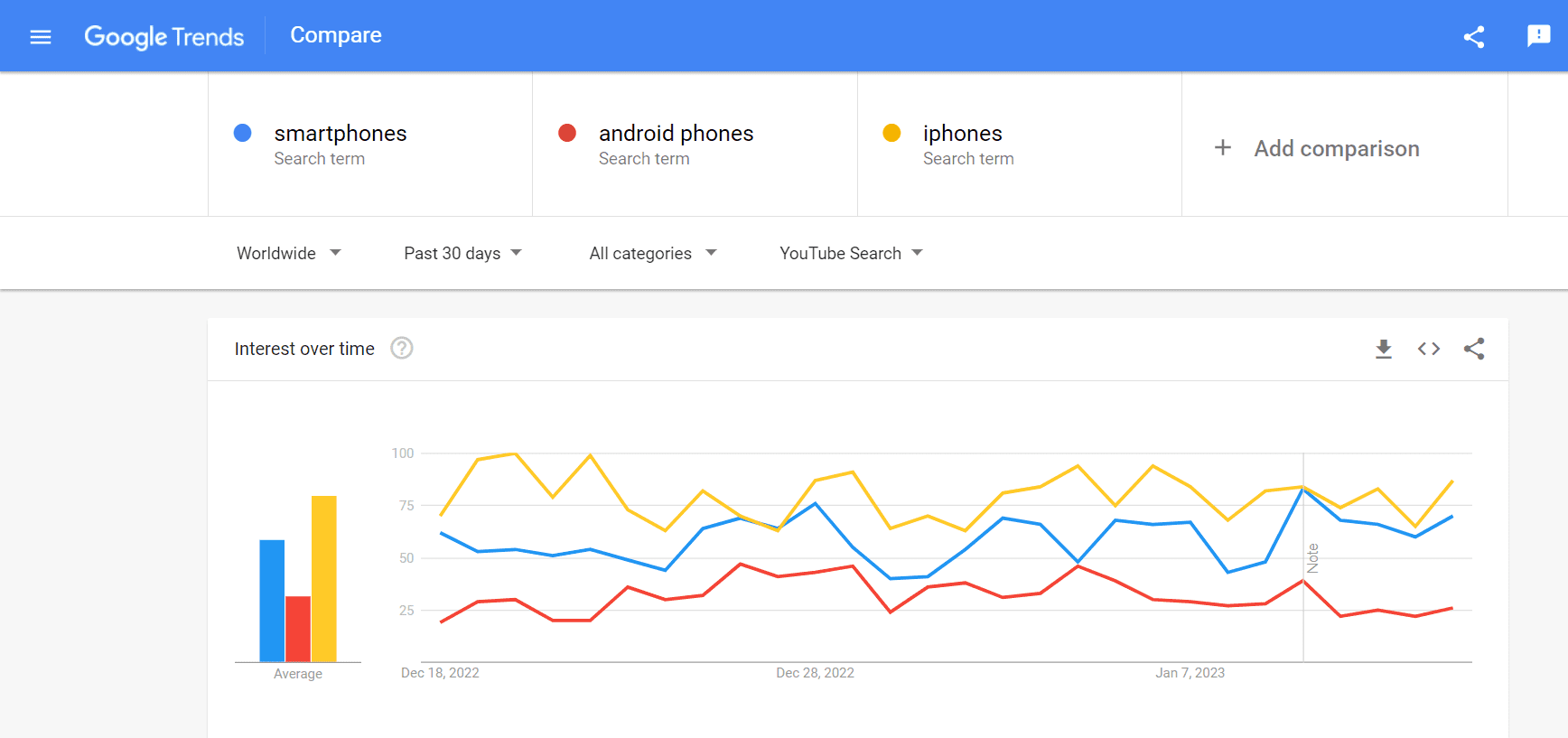
9. Google Trends
Use for: Trend research & content ideas
Google Trends helps identify what people are searching for right now.
Key Features:
- Trending keywords
- Seasonal trends
- Location-based interest
- Content topic discovery
Why Use Google’s Free SEO Tools?
✔ 100% free
✔ Reliable & accurate data
✔ Directly from Google
✔ Ideal for beginners & professionals
Using these tools together gives you enterprise-level SEO insights without paid software.
Conclusion
You don’t need expensive SEO tools to rank on Google. These 9 free Google SEO tools are more than enough to:
- Improve search visibility
- Increase website traffic
- Optimize content & performance
- Grow your online business
Start using them consistently, and SEO results will follow.